This financial statement is the destination definition for drilling The ability, in an Action View, to left-click or right-click on a cell and open a new results tab displaying more analysis of the row clicked on. on all recommended financial statements except the S2S Balance Sheet - Multi-Company and S2S Balance Sheet Report financial statements.
You can drill down on the Document formula field which is based on the URL using the formula field on the Transaction Line Item object.
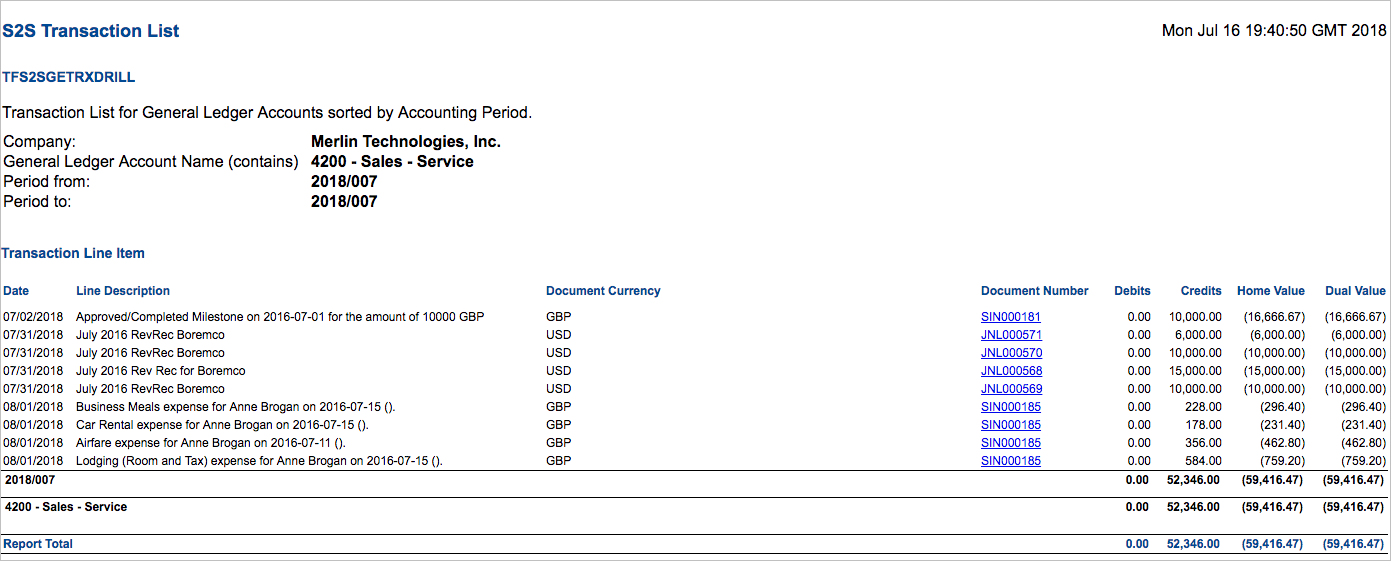
Refer to the reporting definition The top-level object from which reports are run. data sheet below for information about how this financial statement is calculated. The display names of labels, rows, and columns are user-defined.
|
Item |
Type |
Key |
Calculations |
|---|---|---|---|
| Report Total | Label | L01 | The sum of transaction line items. |