
 on the far right of the search box. The search results will look something like this: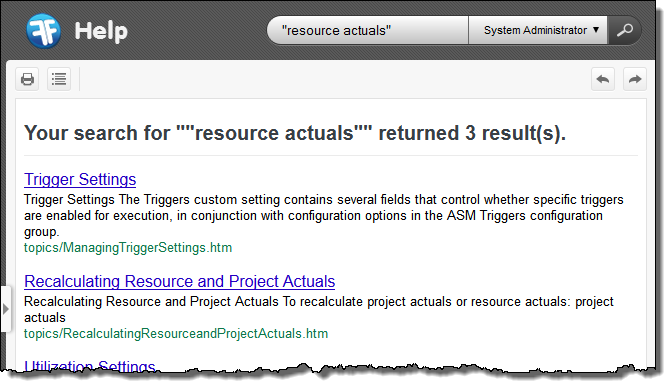
As an alternative to using the Contents pane to find the information that you need, why not use the Search feature?
In the following example you are looking for information on resource actuals.
on the far right of the search box. The search results will look something like this:
Concept Information
© 2009-2015FinancialForce.com, inc All rights reserved. FinancialForce and FinancialForce.com are registered trademarks, and the FinancialForce.com logo is a trademark. Other product names appearing herein may be trademarks.
This document contains proprietary information of FinancialForce.com, inc and its licensors, and is subject to change without notice.