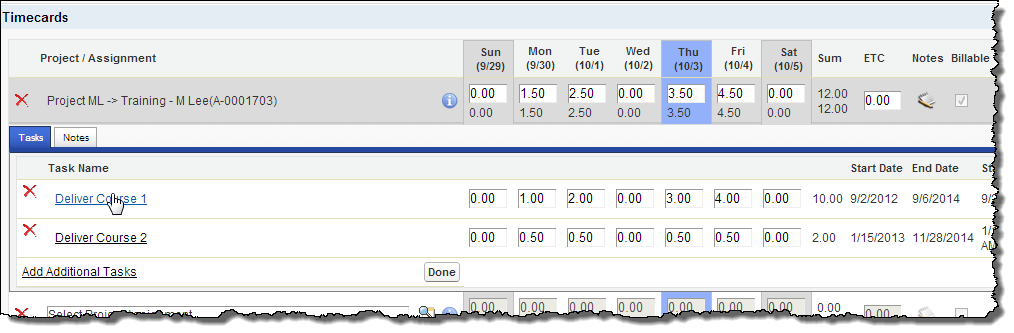
If your administrator has configured PSA to do so, you can enter time against project tasks while entering a timecard.
You enter time against a project task on the Tasks tab that appears when you click View/Edit Details on a timecard line.
Hover over an area for information about what it does. For further information, click the field, button or tab that you want information about.
When you enter time against a task, the Time Entry page behaves in one of the following ways depending on the entry mode your administrator has chosen.
© 2009-2015FinancialForce.com, inc All rights reserved. FinancialForce and FinancialForce.com are registered trademarks, and the FinancialForce.com logo is a trademark. Other product names appearing herein may be trademarks.
This document contains proprietary information of FinancialForce.com, inc and its licensors, and is subject to change without notice.