In addition to the base managed package for the FinancialForce Accounting application, FinancialForce supplies an extension package that gives you an alternative user interface when creating, editing and viewing cash entries.
The default interface is called Classic EditionThe view of the application that you see when you first install the base managed package.. The alternative interface is called Extended EditionThe view of the application that you see when you install one of the extension packages (such as the Cash Entry Extension package). For invoices, credit notes, and journals Extended Edition is integrated into the main package, but must be configured..
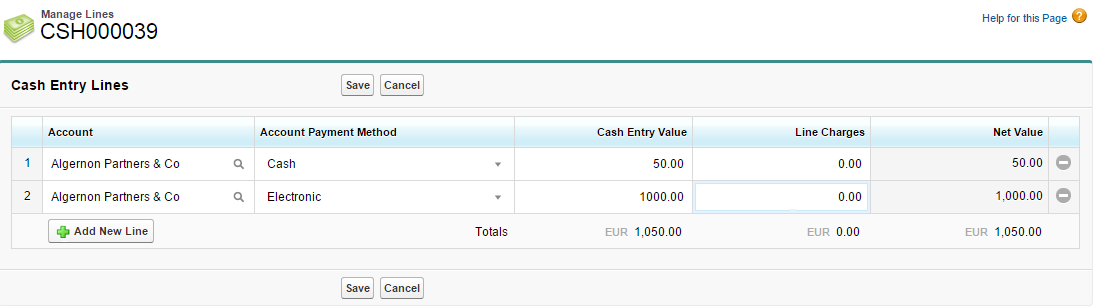
The Extended Edition interface makes extensive use of faster data entry grids like the one shown here for managing cash entry line items:
See Data Entry Grids for more information.
See Editing Field Sets for how to customize these pages.