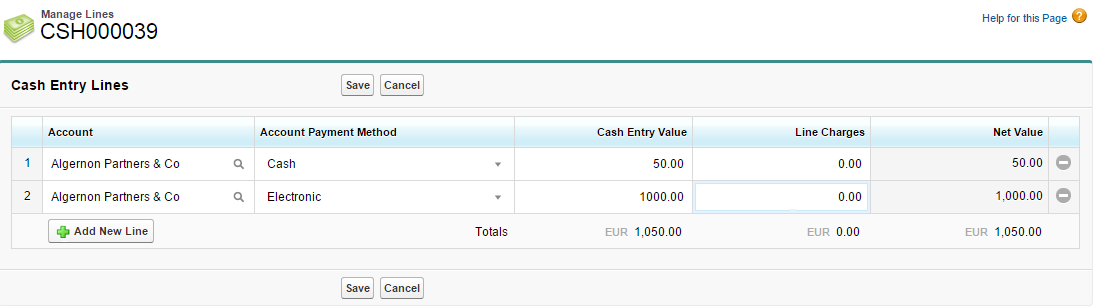
Data entry grids are a feature of the Extended EditionThe view of the application that you see when you install one of the extension packages (such as the Cash Entry Extension package). For invoices, credit notes, and journals Extended Edition is integrated into the main package, but must be configured. application. See Editing Field Sets for a description of how to edit a Manage Lines grid.
Some FinancialForce pages in Extended Edition have data entry grids similar to the one shown here:
To navigate around these grids you can use your mouse and/or any of the following keyboard shortcuts:
| Function | Shortcut Key |
|---|---|
| Move one cell up, down, left, or right | Arrow keys* |
| Disable/enable arrow key behavior within a cell | Enter* |
| Move to next cell | Tab |
| Move to previous cell | Shift+Tab |
| Add New Line | Ctrl+ + |
| Remove Line | Ctrl+ – |
* In text area fields such as descriptions, Up, Down and Enter behave normally.
On a Mac, use Command Key instead of Ctrl.
Related Tasks