Consolidating Billing Documents

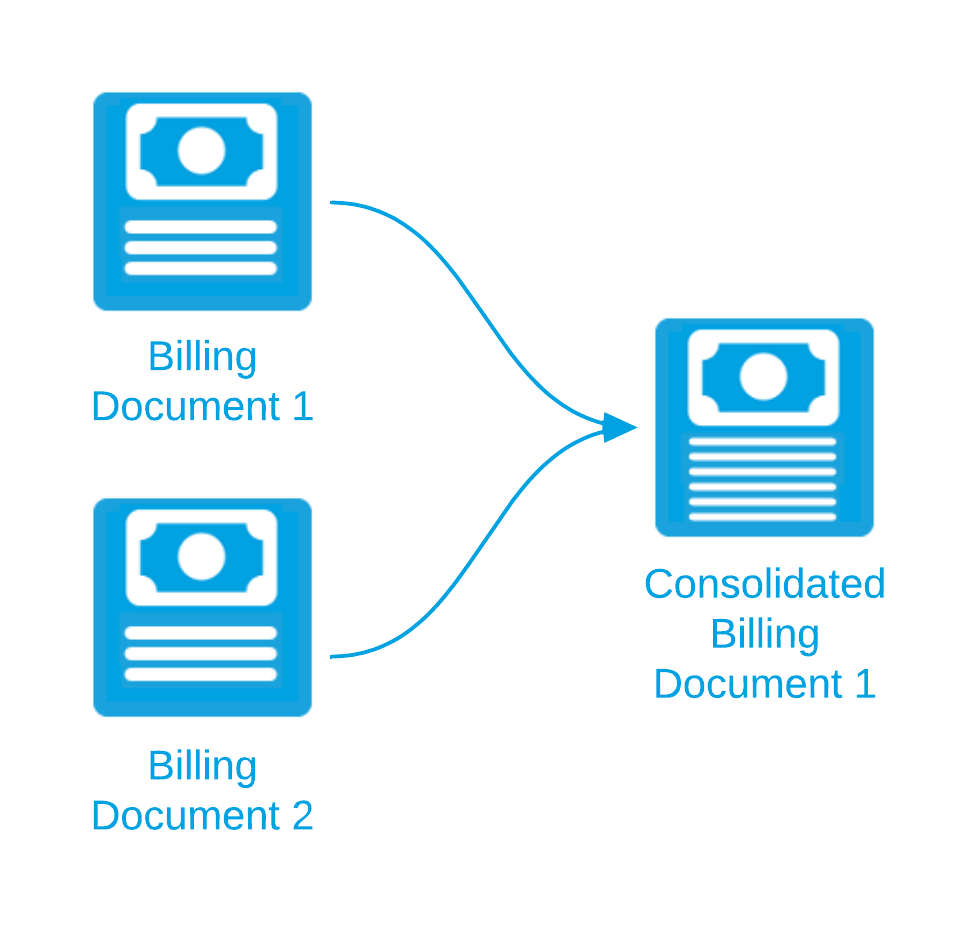
When you consolidate several billing documents into one, Billing Central creates a new consolidated billing document that contains all the lines from the original documents.

Note: Each of the billing documents you want to consolidate must have the status "Draft".

To improve performance, billing documents are consolidated using a background process.

Warning: If billing documents are edited by a scheduled process while the consolidation background process is running, the consolidation might fail. Before proceeding with the consolidation, make sure that billing documents aren't being activated, discarded, or changed in any way by a scheduled process.

You can consolidate billing documents by:

Related Concepts

Consolidated Invoicing

Consolidating Consolidated Billing Documents

Consolidation Grouping Method

Consolidation Rule

Background Process

Related Tasks

Consolidating Billing Documents Using Consolidation Rules

Consolidating Manually Selected Billing Documents

Adding to an Existing Billing Document

Undoing Consolidations

Creating a Consolidation Grouping Method

Creating a Billing Document Filter for Consolidation

Creating a Consolidation Rule, Record Filter, and Grouping Method

Monitoring the Progress of a Background Process

Reference

Consolidation Grouping Method Fields

Consolidation Rule Fields

Background Process Fields

© Copyright 2009-2020 FinancialForce.com, inc. All rights reserved.
Various trademarks held by their respective owners.