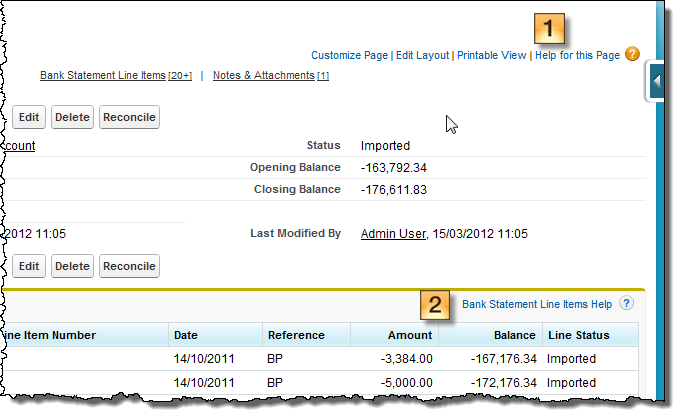
FinancialForceapplications extend the functionality provided by Salesforce. As a result, some of the content of the Salesforce Help & Training Window is relevant to FinancialForce users as well. If you are an experienced Salesforce user, you will find many similarities between the applications.
The FinancialForce Help extends the Salesforce Help by providing information specific to FinancialForce users.
You can access the Salesforce Help & Training Window by clicking the Help & Training link at the top of any page.
Do not use this link to access FinancialForce Accounting Help.
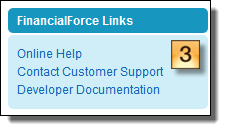
You can access FinancialForce Help in the following ways:
There is a choice of user interfaces when creating, editing and viewing sales invoices, sales credit notes, payable invoices, payable credit notes, cash entries and journals.
Classic EditionThe view of the application that you see when you first install the base managed package. is the default, but your System Administrator may have configured the Extended EditionThe view of the application that you see when you install one of the extension packages (such as the Cash Entry Extension package). For invoices, credit notes, and journals Extended Edition is integrated into the main package, but must be configured. for some or all of these document types. The FinancialForce Accounting Help explains procedures in both Classic and Extended user interfaces.
If your System Administrator has enabled custom input forms for some or all of these document types, how you create, edit and view documents might differ from what is described in the FinancialForce Accounting Help. Contact your System Administrator for assistance.
Related Tasks