As an alternative to using the Contents pane to find the information that you need, why not use the Search feature?
In the following example you are an accountant looking for information on journals.
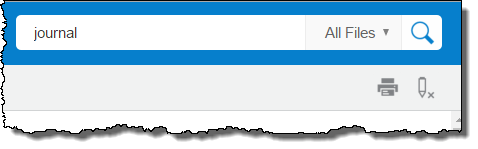
Type your search term or terms into the Search field on the header.
[Optional] If you want to filter the search results by role or department, do one of the following:
If the search filter drop-down list is displayed, select a role or department from the list. To increase the chances of the drop-down list being displayed, maximize your browser window.
If the search filter drop-down list is not displayed:
Click the sidebar icon (top left, next to the FinancialForce logo).
Click Search Filters.
Select the filter you want to apply.
Click the sidebar icon again to collapse the sidebar.
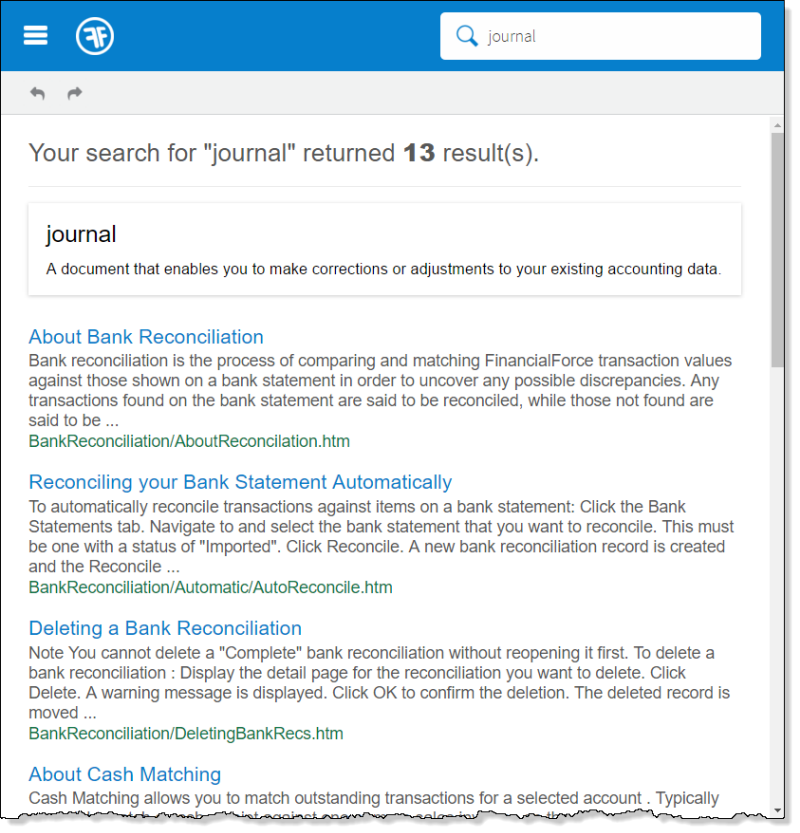
Press Enter or click the Search icon. The search results will look something like this:
[Optional] Select another filter, or All Files to return to an unfiltered list.
Click a topic name to display the topic. Your search term or search terms are highlighted. To remove the highlights, click the Remove Highlights icon on the header. To print the current topic, click the Print icon.
[Optional] If you want to return to the search results page, click your browser's back button.
To continue, select another topic or begin another search.