SECTIONS
The Planning workspace contains the following components:
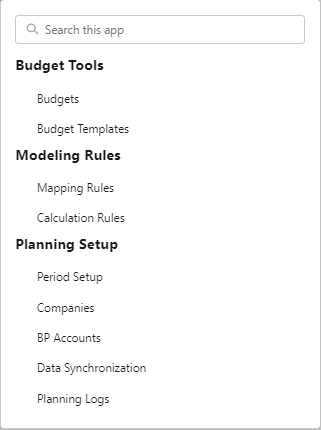
Navigation Pane
The Planning navigation pane provides links to navigate to the most frequently accessed pages that are relevant to your role.
Your administrator can customize the navigation pane using the Lightning App Builder. For more information, see Customizable Lightning Components Overview.
Counts
Counts summarize the number of records on the corresponding list views that are relevant for the Planning workspace. Counts enable you to quickly access related content. To display a list of detailed records specific to each count, click the count.
The following counts are available from the Planning workspace.
|
Field |
Description |
View Details |
|---|---|---|
| Open Budgets | The count of the total number of budgets with the status of 'Open'. | Displays a list view of the number of budgets with the status of Open. |
| In Progress Budgets | The count of the total number of budgets with the status of 'In Progress'. | Displays a list view of the number of budgets with the status of In Progress. |
| Approved Budgets | The count of the total number of budgets with the status of 'Approved'. | Displays a list view of the number of budgets with the status of Approved. |
Your Administrator can customize the count cards using the Lightning App Builder. For more information, see Setting up FinancialForce Count Cards.
For more information about how to update a budget status, see Budgets.

List View
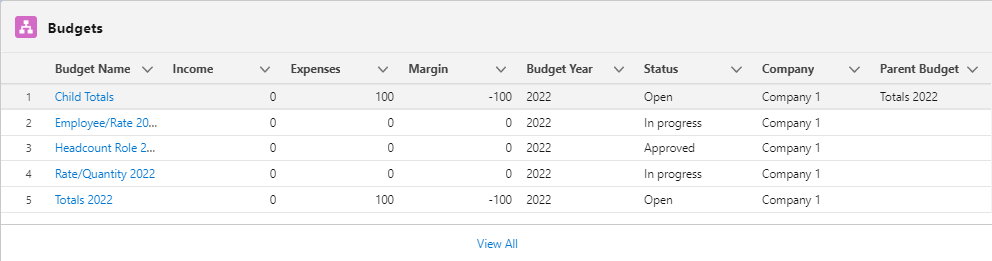
The Budgets list view displays all budgets, income, expenses, and margins created in FinancialForcePlanning.
|
Name |
Description |
View Details |
|---|---|---|
| Budgets |
Displays the total count of budgets. |
Displays a list view of your budget records. The following fields are displayed:
|
Variance Report Record
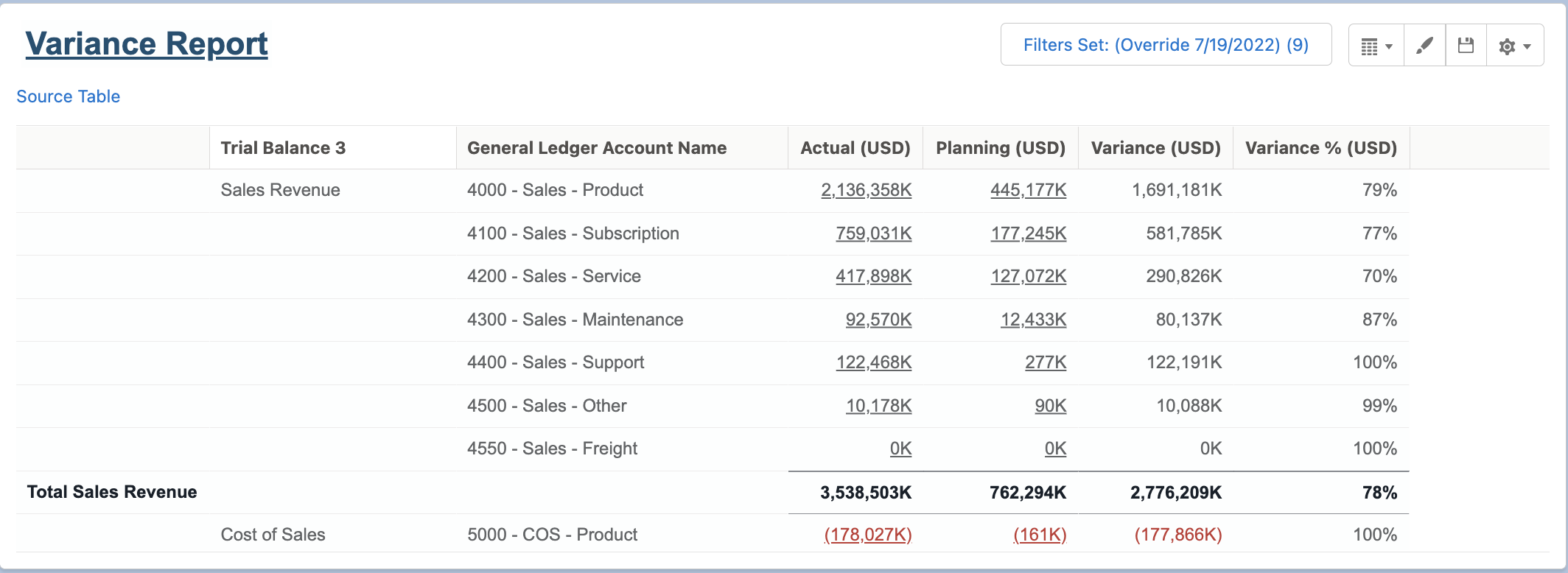
The Variance Report Record allows you to view and configure the reports created with the PlanningWorkspaceLensProfile. The Variance Report Records is built with Financial Report Builder and shows a comparison between actual and planned budgets using FFAccounting and FFPlanning data.
To enable this feature, see Enabling the Workspace Report Configuration.
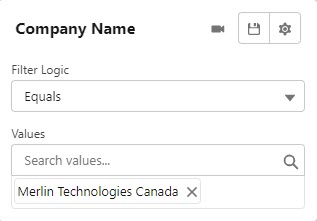
Company Name
The Company Name filter enables you to filter the Variance Report in the Workspace by one or more company names.
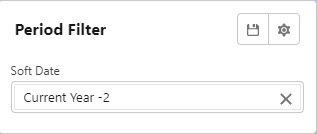
Period Filter
The Period Filter allows you to filter the Variance Report in the Workspace using a soft date.
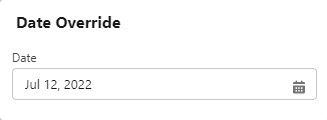
Date Override
The Date Override filter allows you to override the current date shown in order to display the Variance Report Record for the date selected.