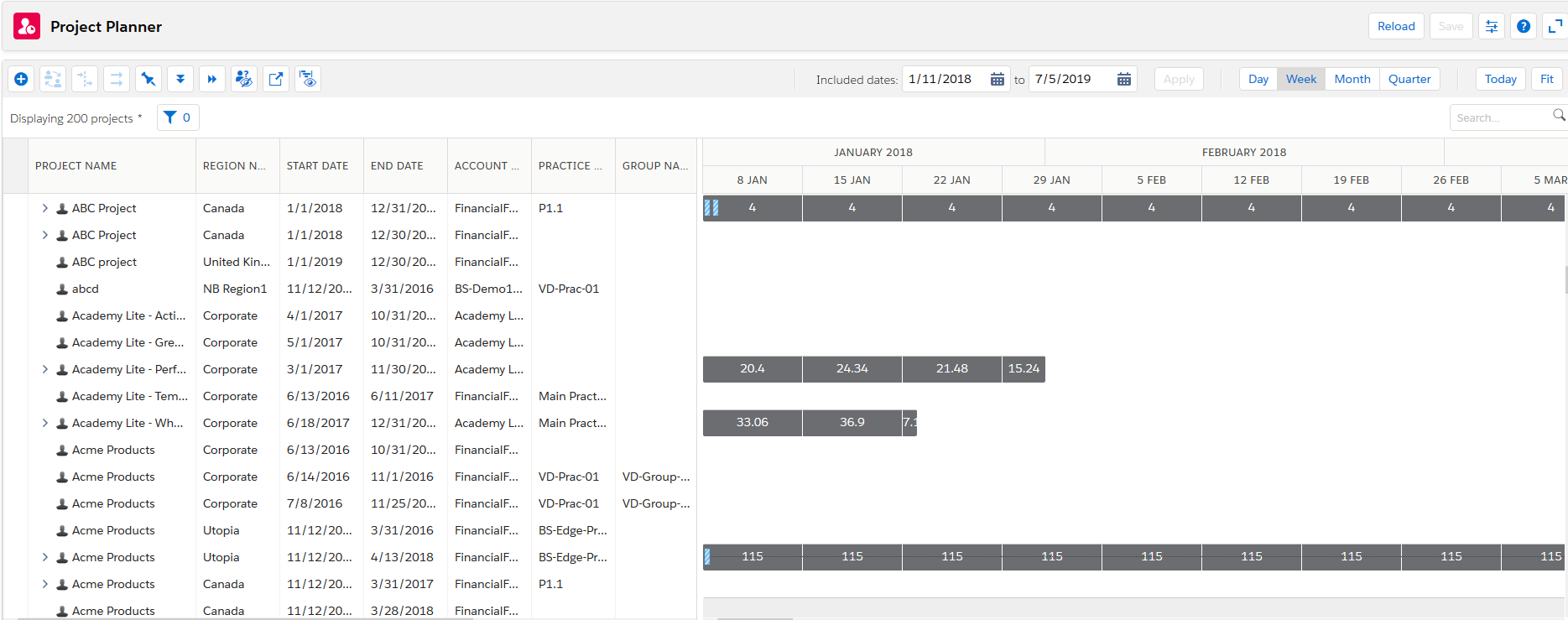
The Project Planner comprises the following:
| Item | Description |
More Information |
|---|---|---|
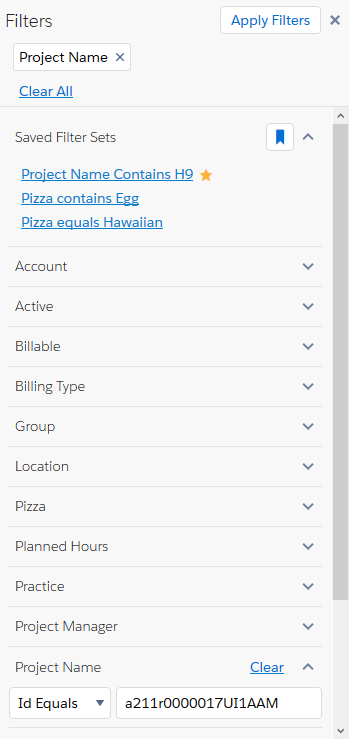
| Filters Panel | Use a criteria to refine the number of projects. | Filters Panel Overview |
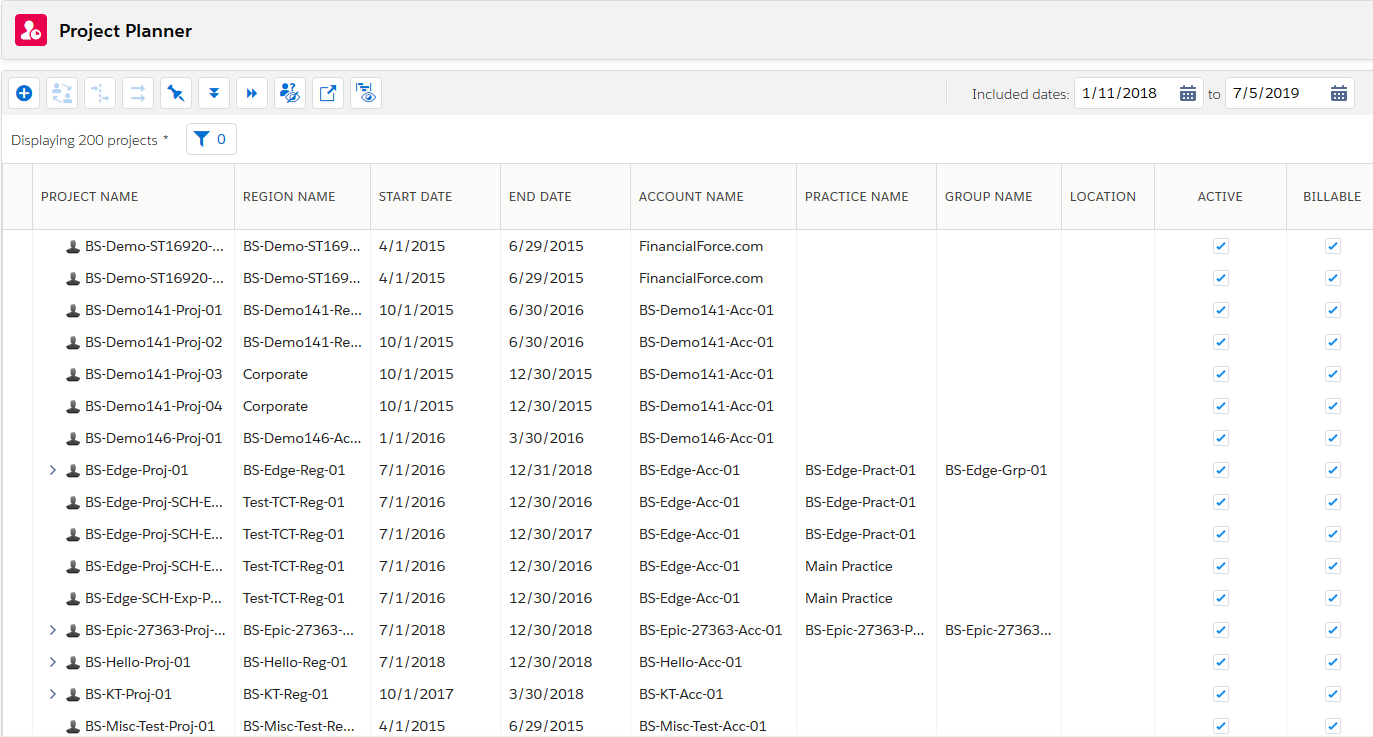
| Project List | Displays all the projects in your organizationA deployment of the Salesforce/FinancialForce applications with a defined set of licensed users. Your organization includes all of your data and applications, and is separate from all other organizations.. Single-click to show or hide all the project's assignmentConnection between a resource and a project.s and held resource requestsA resource request with a status of “held” and a schedule. The Resource field is populated.. You can also double-click the project name to view these on the edit assignments panel. to show or hide all the project's assignmentConnection between a resource and a project.s and held resource requestsA resource request with a status of “held” and a schedule. The Resource field is populated.. You can also double-click the project name to view these on the edit assignments panel. |
Searching for Resources or Projects |
| Timeline |
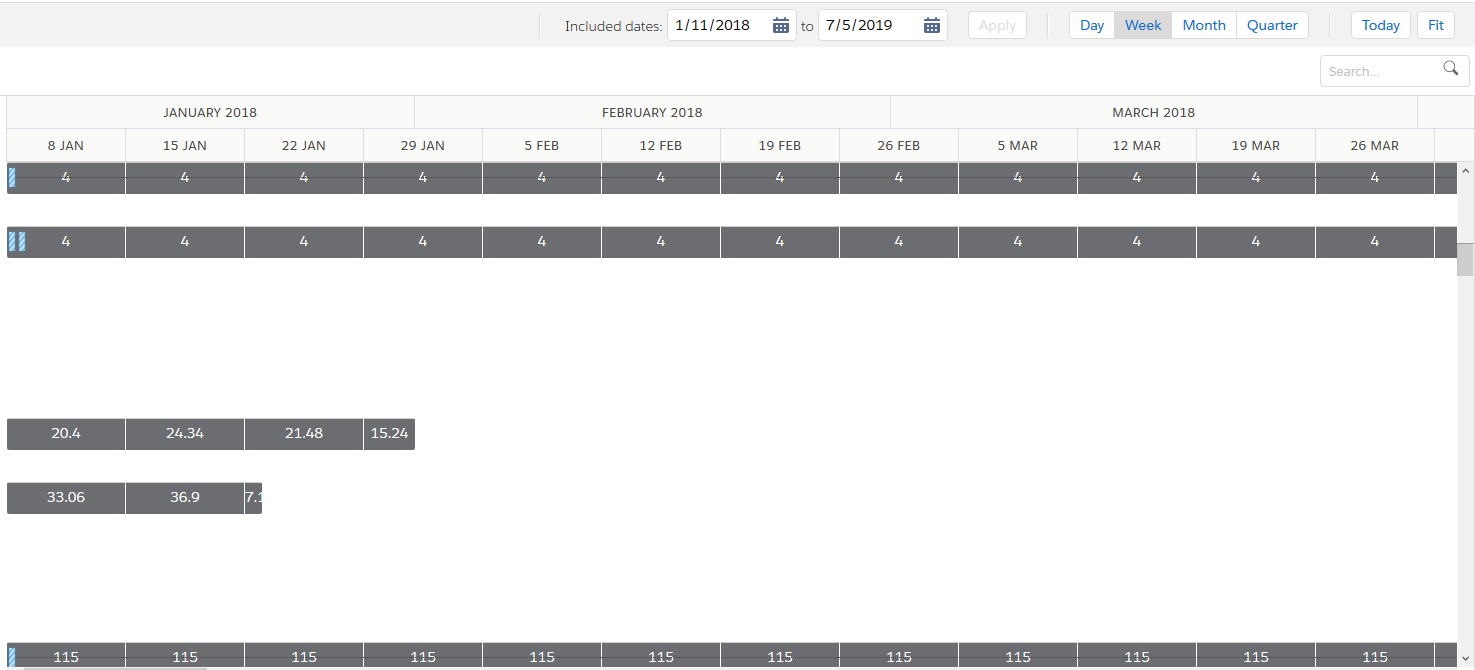
Contains assignment bars and project summary bars, which represent assignment length and scheduled hours rolled up to the parent project. A scrollable timeline shows days, weeks, months or quarters over a set time span. Single-click on the project to expand or contract the list of all the project's assignmentConnection between a resource and a project.s and held resource requestsA resource request with a status of “held” and a schedule. The Resource field is populated.. Double-click on entries in the list of assignments or held resource requests to enter Rapid Edit mode. |
Working with the Timeline |
| Edit Assignments Panel | View and edit schedules for assignments and view held resource requestsA resource request with a status of “held” and a schedule. The Resource field is populated.. | Edit Assignments Panel Overview |